
Quick answer: In the Squarespace vs WordPress decision, Squarespace suits owners who want to build a simple, good-looking site themselves with little upkeep. WordPress suits service businesses that need lead forms, service and location pages, deeper SEO control, integrations and full ownership of their site as they grow.
You run a service business, and you need a website that brings in calls and quote requests, not just one that looks nice. Two names come up in almost every conversation: Squarespace and WordPress. Both can produce a professional site, but they are built for different owners and different futures. Choosing wrong can mean a painful migration a few years from now. This Squarespace vs WordPress comparison focuses on what matters to a service business: cost, flexibility, SEO, lead generation, maintenance and ownership. By the end, you will know which platform fits how you plan to grow.
Key Takeaways
- Squarespace is an all-in-one, hosted builder: easy to start, limited when you need custom features.
- WordPress is open-source software you host: more flexible and portable, but it needs regular maintenance.
- Service businesses that rely on many service pages, location pages and lead forms usually outgrow Squarespace first.
- Squarespace’s export only moves part of your content, so switching later takes real work.
- If you hire a designer, the gap in ease of use shrinks, while the gap in flexibility stays.
What is the difference between Squarespace and WordPress?
Squarespace is a hosted website builder: you pay a subscription and get templates, hosting, security and support in one package. WordPress is free, open-source software that you install on hosting you choose, then extend with themes and plugins.
That difference shapes everything else. With Squarespace, the company makes most technical decisions for you. With WordPress, you or your designer make them, which means more control and more responsibility. WordPress.org describes its mission as “the freedom to build,” and that freedom is the main reason agencies build client sites on it.
A note on WordPress.com vs WordPress.org
This comparison is about self-hosted WordPress (the software from WordPress.org), which is what most agencies, including ours, use. WordPress.com is a hosted service with its own plans and limits.
Squarespace vs WordPress: how do they compare?
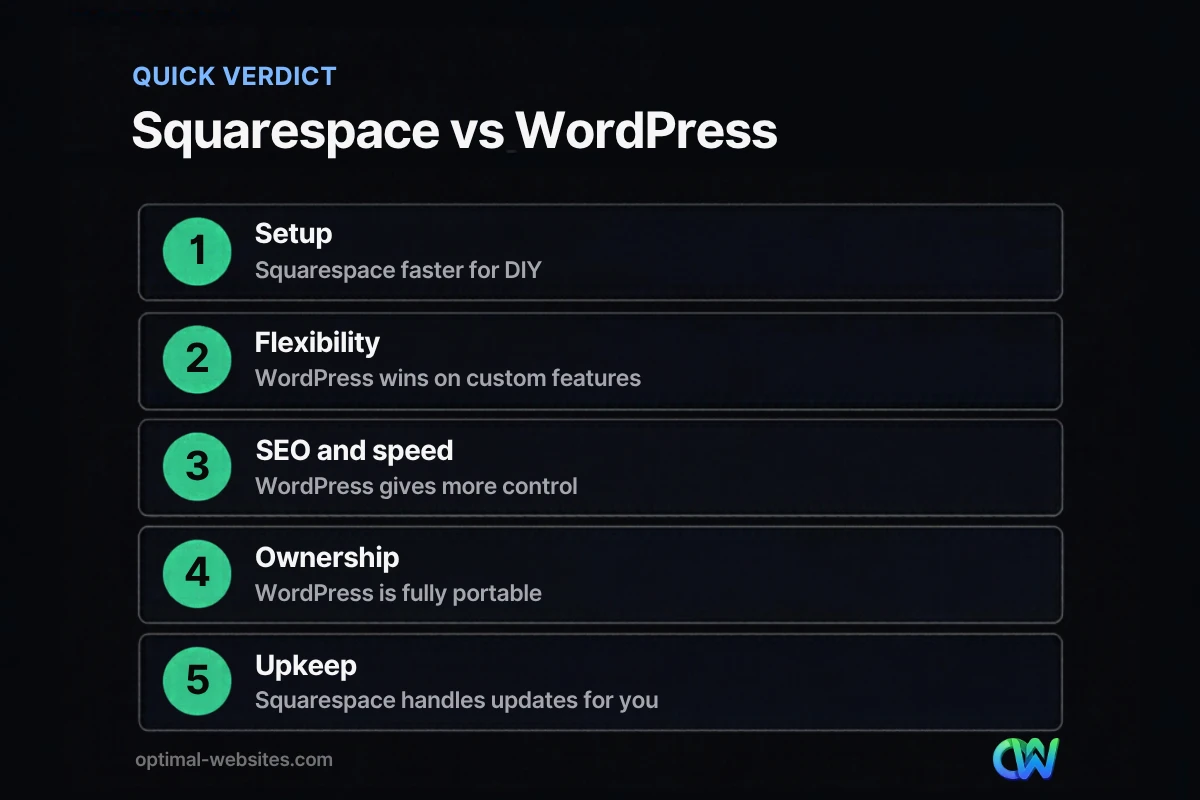
The short version: Squarespace wins on simplicity and built-in upkeep, WordPress wins on flexibility, SEO control, integrations and ownership. The table below covers the factors that matter most for a service business.
| Factor | Squarespace | WordPress (self-hosted) |
|---|---|---|
| Setup | Fast, drag-and-drop templates | Needs hosting, theme and setup, or a designer |
| Design flexibility | Good within template limits | Nearly unlimited with a builder like Elementor Pro |
| Lead forms | Basic built-in forms | Advanced forms, conditional logic, CRM integrations |
| Service and location pages | Manual, can get messy at scale | Templates and dynamic content scale cleanly |
| SEO control | Covers the basics | Full control of metadata, schema, redirects, speed |
| Integrations | Limited to supported extensions | Very large plugin library and custom code |
| Maintenance | Handled by Squarespace | Your responsibility (or a care plan) |
| Ownership and portability | Partial export only | Full files and database, move to any host |
| Cost model | Monthly or yearly subscription | Hosting, premium plugins and design, varies widely |
Which is better for SEO: Squarespace or WordPress?
Both platforms can rank well when the content is strong, but WordPress gives you more control over the technical details that compete in local markets. For a service business targeting many services and towns, that control adds up.
Where Squarespace is fine
Squarespace lets you edit page titles, meta descriptions and URLs, generates a sitemap and serves pages over HTTPS. For a small site with a handful of pages, that is enough to get started.
Where WordPress pulls ahead
- Schema markup. Plugins and custom code make it easy to add LocalBusiness, Service and FAQ structured data.
- Redirect management. Bulk 301 redirects when you rename or reorganize pages.
- Speed tuning. Full control over caching, image formats, scripts and hosting.
- Scalable page templates. Build consistent service and location pages from one template instead of copying and editing each one.
Which platform is better for generating leads?
WordPress is usually better for lead generation because forms, tracking and follow-up tools can be tailored to how your business works. Squarespace forms cover simple contact requests, but service businesses often need more.
Common lead generation needs that favor WordPress:
- Multi-step quote forms with conditional questions
- Sending leads directly into a CRM or job management tool
- Call tracking and detailed conversion tracking
- Separate landing pages for each ad campaign
- Online booking tied to staff calendars
If your site is a digital brochure with a phone number, Squarespace can do the job. If your site is your main lead source, WordPress gives you more room to improve conversion over time.
What are the main Squarespace limitations for service businesses?
The main Squarespace limitations are template constraints, fewer integrations, less control over technical SEO and limited portability. None of these matter on day one, but they become real costs as a business grows.
Portability is the big one
Squarespace’s own export guide explains that the export creates a WordPress-format XML file and that many features rely on Squarespace’s own code, so some content does not export. Product, audio and video blocks, style settings and custom CSS are among the items that stay behind. Moving later means rebuilding much of the site by hand.
Other limits to weigh
- Design changes outside the template’s options can require custom code workarounds.
- Third-party tools you rely on may not offer a Squarespace integration.
- Large numbers of similar pages are harder to manage without templates and custom fields.
What does WordPress flexibility cost you?
WordPress flexibility comes with responsibility: hosting, updates, backups and security are on you or your web team. That is the real trade-off in any website builder comparison.
Plan for:
- Quality hosting suited to business sites
- Regular core, theme and plugin updates, tested after each one
- Off-site backups and security monitoring
- Premium licenses for tools like Elementor Pro or form plugins
Most businesses handle this with a support or care plan from the team that built the site. For a full look at the upside, see our guide to the benefits of WordPress for business.
Squarespace or WordPress: which should you choose?
Choose Squarespace if you want to build and manage a simple site yourself, need only a few pages and value low maintenance above flexibility. Choose WordPress if your website is a lead engine, you need many service or location pages, you want deep SEO control or you plan to grow.
What we see when clients switch
Many of the WordPress and Elementor Pro sites we build for contractors, law firms and local service businesses replace sites that started on hosted builders. The usual trigger is growth: more services, more locations, better tracking or a form the builder cannot handle. Starting on a platform with room to grow avoids paying for a migration later. If you are also weighing other builders, our Wix vs WordPress comparison covers similar ground, and our guide to custom website vs template explains when a custom design is worth it.
How Optimal Websites Can Help
Optimal Websites, a WordPress web design agency based in Delaware, builds fast, mobile-first WordPress sites with Elementor Pro for service businesses, including migrations from hosted builders. Every site comes with video tutorials so your team can edit pages without code. Learn more about our WordPress web design service or check our pricing: packages start at $999 and most projects launch in 2–4 weeks.
Frequently Asked Questions
Is Squarespace or WordPress better for a small business?
It depends on the business. Squarespace or WordPress both work for a simple brochure site, but WordPress is usually better for service businesses that depend on lead forms, many service pages, local SEO and integrations. Squarespace is better for owners who want to build and maintain a small site themselves with minimal upkeep.
Is WordPress harder to use than Squarespace?
WordPress has a steeper learning curve if you build it yourself, because you manage hosting, themes and plugins. When a designer builds it with a visual builder like Elementor Pro and trains your team, day-to-day editing is straightforward. Squarespace is easier for do-it-yourself setup but offers less flexibility later.
Can I move my Squarespace site to WordPress?
Yes, but only part of it moves automatically. Squarespace exports some content to a WordPress-format file, while many blocks, style settings and custom CSS do not export. Most migrations involve rebuilding the design, recreating forms and adding 301 redirects so existing search rankings carry over to the new pages.
Which is better for SEO, Squarespace or WordPress?
Both can rank, but WordPress offers more control over schema markup, redirects, page speed and scalable service and location pages. Squarespace covers SEO basics well for small sites. In a squarespace vs wordpress comparison for competitive local markets, that extra control usually gives WordPress the edge.
Is Squarespace cheaper than WordPress?
Squarespace has predictable subscription pricing, which can be cheaper for a simple DIY site. WordPress costs vary with hosting, premium plugins and design work. For a professionally built business site, compare the total cost over several years, including maintenance, upgrades and the cost of migrating if you outgrow the platform.
Do I own my website on Squarespace?
You own your content, but the site runs on Squarespace’s platform and only part of it can be exported. With self-hosted WordPress, you own the files and database and can move them to any host. For a business that wants long-term control, that portability is one of the strongest arguments for WordPress.
Ready to Get Started?
Not sure which platform fits your business? Talk it through with us. Get a free quote or call (302) 554-9497.


