
Quick answer: In the Elementor vs Divi debate, Elementor is usually the better choice for small business websites that need a large add-on ecosystem, flexible layouts and easy hand-off to staff. Divi suits designers who build many sites and want an unlimited-site license. Both are capable visual builders; the right pick depends on who will maintain the site.
If you are planning a WordPress website, you will hear two names over and over: Elementor and Divi. Both let you design pages visually instead of writing code, and both have loyal fans. The choice matters more than it seems, because the page builder shapes how fast your site loads, how easily your team can edit it, and how hard it would be to switch later. This Elementor vs Divi comparison covers the real differences in editing, design control, performance, pricing and lock-in, then gives a clear recommendation for business owners.
Key Takeaways
- Elementor and Divi are both visual drag-and-drop builders for WordPress, and both can build full themes, headers and footers.
- Elementor has a free version and Pro plans licensed per site; Divi is sold as a membership that covers unlimited sites.
- Divi 4 stores layouts as shortcodes, which can leave clutter if you ever switch builders. Divi 5, in public alpha since October 2024, aims to change that.
- Elementor has the larger ecosystem of add-ons, templates and developers, which helps when you hire help later.
- For most small businesses that want to edit their own site, Elementor Pro is our recommended default.
What Is a WordPress Page Builder?
A WordPress page builder is a plugin or theme that lets you design pages visually by dragging in sections, text, images and buttons, instead of editing code or using the basic block editor. You see the page as visitors will see it while you build.
Page builders exist because the default WordPress editor, while much better than it used to be, still gives limited control over complex layouts. Builders add design controls for spacing, typography, responsive behavior and reusable templates. If you are still deciding whether WordPress is right for you at all, our guide to the benefits of WordPress for business is a good starting point.
What is Elementor?
Elementor is a page builder plugin that works with almost any WordPress theme. The free version covers the core drag-and-drop editor. Elementor Pro adds the Theme Builder, form widget, popup builder, dynamic content and WooCommerce widgets.
What is Divi?
Divi is both a theme and a builder, made by Elegant Themes. You can use the Divi theme with its built-in builder, or use the Divi Builder plugin with another theme. It is sold as part of an Elegant Themes membership.
Elementor vs Divi: How Do They Compare Feature by Feature?
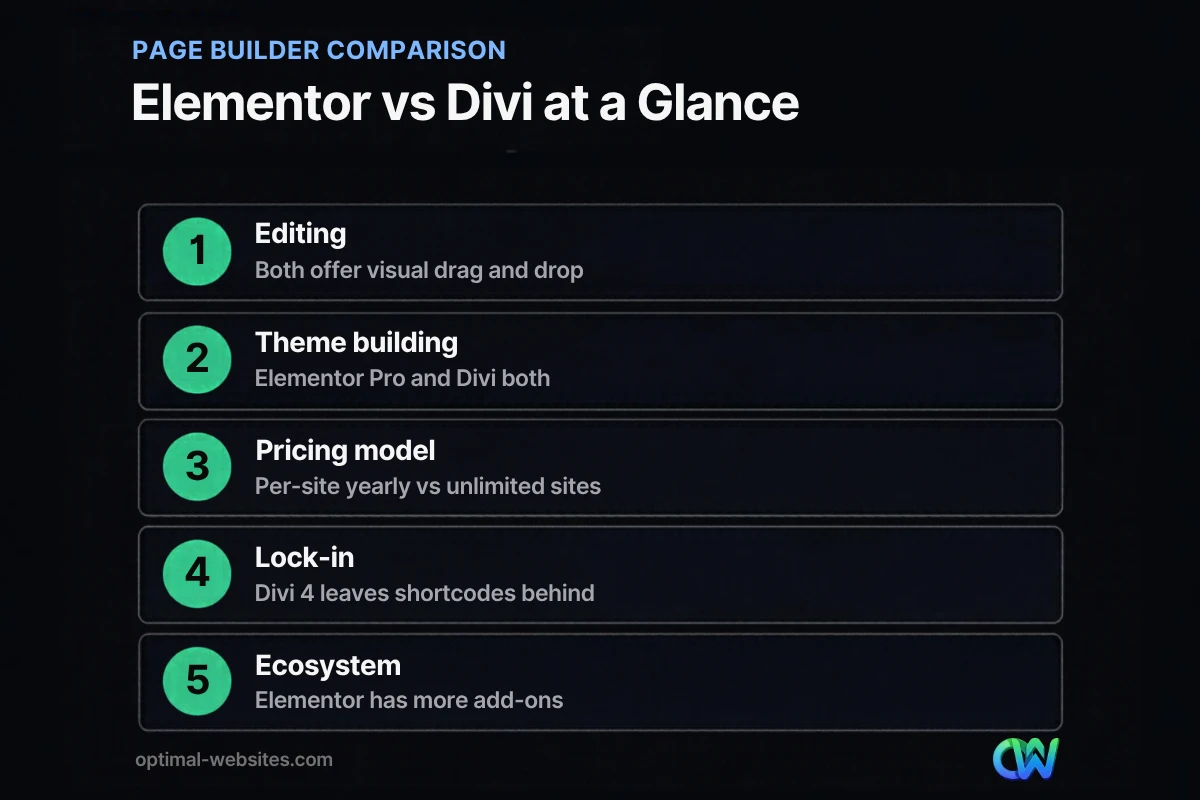
Feature for feature, the two builders are closer than their fans admit. The biggest differences are pricing model, ecosystem size and how content is stored.
| Factor | Elementor (with Pro) | Divi |
|---|---|---|
| Editor style | Sidebar panel plus live canvas | Inline editing on the canvas |
| Free version | Yes, with core widgets | No free version |
| Theme building | Yes, headers, footers, single and archive templates | Yes, through the Divi Theme Builder |
| Forms and popups | Built into Pro | Built in |
| License model | Yearly plans priced by number of sites | Membership covering unlimited sites, yearly or lifetime |
| Content storage | Saves layout data; basic content stays readable if deactivated | Divi 4 uses shortcodes; Divi 5 alpha moves away from them |
| Third-party add-ons | Very large market of widget packs and templates | Smaller, but active, marketplace |
| AI features | Elementor AI built into the editor | Divi AI built into the builder |
Which Page Builder Is Easier to Use?
Both are approachable for beginners, but they feel different. Elementor uses a sidebar panel for settings, while Divi lets you click directly on page elements and edit them in place.
Many business owners find Elementor’s layout easier to learn, because every setting lives in the same panel and follows the same pattern: Content, Style and Advanced tabs. Divi’s inline editing feels faster once you know it, but its floating menus and hover controls take some getting used to.
What matters most is who will edit the site after launch. If an office manager will update service pages and swap photos, a predictable interface wins. That is one reason we build client sites on Elementor Pro and include video tutorials, so your team can make changes without calling a developer.
Which Gives You More Design Control?
Both give you near-complete control over layout, spacing, typography and responsive behavior. Elementor has an edge for complex, custom layouts thanks to its Flexbox containers and large widget library.
The Elementor Theme Builder documentation describes how Pro lets you design headers, footers, single post and page templates, archives and WooCommerce product pages visually. Divi’s Theme Builder covers the same ground. Where Elementor pulls ahead is the ecosystem: if you need a specific widget, such as an advanced table or a before-and-after slider for a roofing project gallery, there is usually a well-maintained add-on for it.
Global styles and consistency
Both builders support global colors and fonts, so you can change your brand color once and see it update everywhere. Use this feature from day one. Sites that skip it end up with dozens of slightly different shades of blue that are painful to clean up later.
Is Elementor or Divi Faster?
Neither builder is automatically fast or slow. Speed depends far more on hosting, images, the number of add-ons and how cleanly the pages are built.
Both builders have improved their output over the years, loading assets only when a widget is used and reducing extra wrapper code. In practice, the biggest speed problems we see come from stacking several add-on packs, uploading huge images, and nesting sections many levels deep. A lean Elementor or Divi site with good hosting and caching can pass Core Web Vitals. A bloated one on cheap hosting will not, whichever builder you choose.
How Do Elementor and Divi Pricing Models Differ?
Elementor Pro is licensed yearly by the number of sites, while Divi is sold as an Elegant Themes membership that covers unlimited sites, with a yearly or one-time lifetime option.
For a single business website, the yearly cost difference is small either way, and it is a tiny share of what the website itself costs. Divi’s unlimited-site license is attractive for freelancers and agencies running dozens of sites. For a business owner with one site, the deciding factors should be ease of editing, support and long-term flexibility, not a modest difference in the license fee.
Prices change often, so check each vendor’s pricing page before you buy, and remember that a paid license is needed to keep receiving updates and security fixes.
What Happens If You Switch Away from Divi or Elementor?
Switching builders always means rebuilding pages, but how messy the leftovers are differs. This lock-in question is one of the most practical parts of any page builder comparison.
Divi 4 stores layouts as shortcodes inside your page content. If you deactivate Divi, those pages fill with bracketed codes that have to be cleaned up by hand. Elementor stores its layout data separately, so a deactivated Elementor page shows plain, unstyled content rather than a wall of code. That is still a rebuild, but a cleaner one.
Divi 5 is a ground-up rewrite designed to move past shortcodes. According to the Divi 5 public alpha announcement, the alpha is available for testing, but Elegant Themes does not recommend using it on production websites yet. If you are choosing today, judge Divi on the current stable version, and treat Divi 5 as a promising upgrade still in development.
Elementor vs Divi: Which Should a Small Business Choose?
For most small businesses, Elementor Pro is the safer default. Choose Divi if you are a designer building many sites or you already know it well.
Pick Elementor if:
- Your team will edit pages after launch and wants a predictable interface.
- You want the widest choice of add-ons, templates and developers to hire later.
- You plan to grow into landing pages, popups or a WooCommerce store.
Pick Divi if:
- You build or manage many websites and want one unlimited-site license.
- You prefer editing directly on the page and already know the Divi workflow.
- Your current site runs Divi 4 well and a rebuild is not in the budget yet.
If you are still comparing platforms more broadly, our Wix vs WordPress comparison covers whether a hosted builder might be enough. And if you are curious how AI fits into the editor, see our overview of Elementor AI.
How Optimal Websites Can Help
At Optimal Websites, a WordPress web design agency based in Delaware, we build every site with WordPress and Elementor Pro because it gives clients a site they can actually edit, plus room to add features later. We design mobile-first, keep the plugin list lean and record video tutorials for your team. Our WordPress web design services cover planning, design, build and launch, and our fixed-price website packages start at $999, with most projects launching in 2–4 weeks.
Frequently Asked Questions
Is Elementor better than Divi?
For most small business websites, yes. Elementor offers a free version, a larger add-on ecosystem and an interface many owners find easier to learn. Divi is a strong builder too, especially for designers managing many sites under one unlimited license. In the Elementor vs Divi decision, the better builder is the one your team can maintain confidently.
What is the best WordPress page builder for beginners?
Elementor is often the best WordPress page builder for beginners because its settings follow the same pattern for every element and it has a large library of tutorials. Divi is also beginner friendly once you learn its inline editing. Whichever you choose, start with a professionally built template and global styles so your pages stay consistent.
Is Divi still using shortcodes?
The current stable Divi 4 stores layouts as shortcodes, which is why deactivating it leaves bracketed code in your content. Divi 5 is a rewrite that moves away from shortcodes, but it is in public alpha and Elegant Themes does not recommend it for production websites yet. Check its status before planning a migration.
Do I need Elementor Pro or is the free version enough?
The free version works for simple pages, but most business sites need Elementor Pro. Pro adds the Theme Builder for custom headers and footers, the form widget for lead capture, popups and dynamic templates. Without it, you often end up installing several extra plugins to fill the same gaps, which adds cost and slows the site.
Can I switch from Divi to Elementor?
Yes, but plan for a rebuild rather than a conversion. There is no reliable one-click migration, so pages are recreated in Elementor and the leftover Divi shortcodes are cleaned out of your content. It is a good moment to improve structure, speed and calls to action, and to set up redirects if any page URLs change.
Does a page builder slow down WordPress?
A page builder adds some code, but it is rarely the main cause of a slow site. Hosting, oversized images, too many add-ons and heavy third-party scripts usually matter more. A lean build on good hosting with caching can load quickly with Elementor Pro or the Divi Builder, so focus on how the site is built.
Ready to Get Started?
Not sure which builder fits your project, or stuck with a site that is hard to edit? Request a free quote and we will recommend the right setup for your business, or call us at (302) 554-9497.


