
Quick answer: A website not generating leads usually has one of nine problems: broken forms, form emails landing in spam, no clear call to action, weak trust signals, slow pages, a poor mobile layout, the wrong traffic, vague messaging, or no tracking. Test the forms first, then check calls to action, trust and speed.
You paid for a website, it looks good, and the phone still is not ringing. That silence is expensive. Every week a site sends no inquiries is a week of marketing spend, ads or SEO work that never turns into revenue. The good news is that a website not generating leads almost always comes down to a short list of fixable problems. This guide walks through the nine most common causes we find when auditing small business sites, how to check for each one in minutes, and what to fix first so your website starts producing calls and quote requests.
Key Takeaways
- Start with the plumbing: submit every form yourself and confirm the email actually arrives.
- One clear call to action per page beats five competing buttons.
- Visitors need proof before they contact you: reviews, project photos, credentials and a real address.
- Slow pages and clumsy mobile layouts quietly kill inquiries, especially from phone users.
- If you do not track form submissions and calls, you cannot tell which fix worked.
Why Is My Website Not Generating Leads?
Most websites fail to generate leads because something blocks the visitor between interest and action: a broken form, an unclear next step, or a lack of trust. Less often, the site simply is not getting the right visitors.
Think of your website as a funnel with three stages. First, the right people have to arrive. Second, they have to understand quickly that you solve their problem. Third, they have to feel confident enough to call or fill out a form, and that form has to work. A leak at any stage means no leads, so diagnose stage by stage instead of redesigning everything at once.
If your site does get inquiries and you simply want more of them, our guide to proven ways to get more leads from your website covers growth tactics. This article is for when something is clearly broken.
What Are the 9 Most Common Reasons for No Leads from a Website?
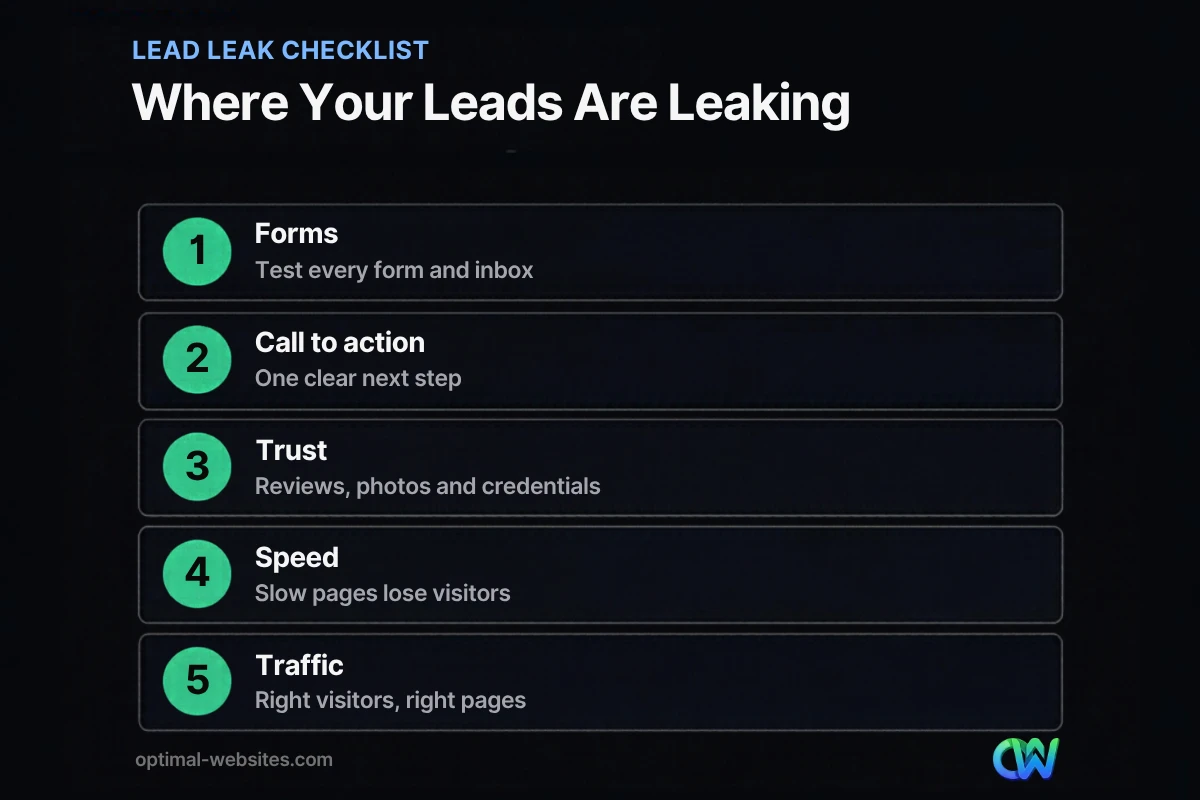
Here are the nine causes we see most often, roughly in the order you should check them.
1. Your contact form is not working
A contact form not working is the most painful cause because it is invisible. The visitor clicks Submit, sees a thank-you message, and the email never reaches you. Plugin updates, expired reCAPTCHA keys and hosting changes can all break forms without warning.
Fix: Submit every form on the site once a month from a phone and a laptop. Store entries in the WordPress database as a backup, so a failed email does not mean a lost lead.
2. Form emails are going to spam
Many WordPress sites send form notifications through the server’s default mail function, which email providers often distrust. Google’s email sender guidelines require that, starting February 1, 2024, all senders to Gmail accounts set up SPF or DKIM authentication for their sending domains. Unauthenticated form emails are more likely to land in spam or be rejected.
Fix: Send site email through an authenticated SMTP service on your own domain, set up SPF and DKIM records, and check your spam folder for anything already missed.
3. There is no clear call to action
A weak call to action is a button that says “Learn More,” hides at the bottom of the page, or competes with five other links. Visitors who have to hunt for the next step usually leave.
Fix: Give every page one primary action, such as “Get a Free Estimate” or “Book a Consultation,” and repeat it after each major section. Put your phone number in the header as a tap-to-call link.
4. Visitors do not trust you yet
People rarely contact a business they know nothing about. Stock photos, no reviews, no address and no names make a site feel anonymous.
Fix: Add real project photos, short client reviews with names, licenses and insurance details, years in business and a physical service area. For contractors and roofers, before-and-after photos do a lot of the persuading.
5. Your forms ask for too much
Long forms create friction. Nielsen Norman Group’s form usability research puts it simply: every field you cut from a form increases its conversion rate.
Fix: Ask only for what you need to reply: name, phone or email, and a short description. Collect budget, address and project details on the follow-up call.
6. The site is slow
Visitors on phones will not wait for a heavy page to load. A slow page loses people before they even see your offer, which shows up as a high bounce rate on your service pages.
Fix: Test your key pages in PageSpeed Insights and fix images, caching and scripts. If you run on WordPress, our guide to fixing a slow WordPress site covers the usual causes.
7. The mobile experience is clumsy
Tiny buttons, text that needs zooming, pop-ups covering the screen and forms that are hard to type into all cause mobile visitors to give up.
Fix: Open your site on your own phone and try to request a quote with one thumb. Every friction point you feel, your customers feel too. Our website user experience tips cover layout fixes in more detail.
8. You are attracting the wrong traffic
Sometimes the site works fine but the visitors are wrong: people outside your service area, job seekers, or readers of a blog post unrelated to your services.
Fix: Check which pages get traffic and where visitors come from. Build service pages that target the searches buyers actually use, such as a service plus your city, and send ad traffic to a dedicated landing page instead of your homepage.
9. Your message is vague, or nothing is tracked
“Quality solutions for all your needs” tells a visitor nothing. Visitors should know within seconds what you do, who you serve and where. Meanwhile, without tracking, you cannot see whether any of this is happening.
Fix: Rewrite the top of each page to answer what, who and where. In Google Analytics 4, record form submissions and phone clicks as events and mark it as a key event so you can measure leads by page and channel.
How Do You Diagnose a Low Website Conversion Rate?
Your website conversion rate is the percentage of visitors who complete a lead action, such as a form submission or phone click. To diagnose a low rate, work through the funnel in order and test before you change anything.
- Test the plumbing. Submit every form, click every phone number, and confirm notifications arrive in your inbox.
- Check tracking. Make sure form submissions and calls are recorded as key events in GA4.
- Review traffic quality. Look at landing pages, locations and sources. Is the traffic local and relevant?
- Audit your top three pages. Read each page as a stranger: is the offer clear in five seconds, and is the next step obvious?
- Check speed and mobile. Run PageSpeed Insights on mobile and use the site on a real phone.
- Fix one thing at a time. Change the biggest problem, wait a few weeks, and compare results.
Which Fixes Should You Make First?
Fix broken forms and email delivery first, because they cost you leads you have already earned. Then work on calls to action and trust, which usually have the biggest effect on conversion.
| Priority | Fix | Effort | Why it comes first |
|---|---|---|---|
| 1 | Test forms and email delivery | Low | Recovers leads already lost |
| 2 | Add tracking for forms and calls | Low | Lets you measure every other fix |
| 3 | Clear call to action on every page | Low | Removes confusion immediately |
| 4 | Trust signals and real photos | Medium | Persuades hesitant visitors |
| 5 | Shorter forms | Low | Reduces friction at the last step |
| 6 | Speed and mobile fixes | Medium | Keeps visitors on the page |
| 7 | Service pages and landing pages | Medium to high | Attracts better-fit traffic |
When Does a Website Need a Rebuild Instead of Fixes?
If your site has outdated design, no mobile-first layout and a structure that buries your services, patching individual pages can cost more than rebuilding with lead generation in mind from the start.
At Optimal Websites, a WordPress web design agency based in Delaware, much of our work is for contractors, roofing companies, law firms and local service businesses whose old sites looked fine but produced few inquiries. When we rebuild on WordPress and Elementor Pro, we plan each page around one action, put the phone number and quote form where thumbs can reach them, and connect forms to authenticated email and tracking before launch.
How Optimal Websites Can Help
If you want a second set of eyes, our lead generation services start with a review of your forms, calls to action, trust signals and tracking, then fix the leaks in order of impact. If the site needs a fresh start, we design new sites around conversion from day one, with fixed-price packages and a free consultation.
Frequently Asked Questions
Why am I getting traffic but no leads?
Traffic without leads usually means visitors cannot find a clear next step, do not trust the site enough to reach out, or are the wrong audience. Test your forms first, then make sure every page has one obvious call to action, real reviews and photos, and content aimed at buyers in your service area rather than general readers.
How do I know if my contact form is not working?
Submit the form yourself from a phone and a computer, then check that the notification arrives in your inbox and not in spam. Also check that entries are saved in WordPress. If submissions appear in the dashboard but not your inbox, the problem is email delivery, which authenticated SMTP and SPF or DKIM records usually fix.
What is a good website conversion rate for a small business?
There is no single benchmark that fits every industry, traffic source and offer, so compare your site against itself. Track form submissions and calls as key events, note your current rate, and measure again after each change. A website not generating leads at all has a technical or messaging problem, not a benchmark problem.
What makes a weak call to action?
A weak call to action is vague, hidden or competing with other options. Buttons like “Learn More” or “Submit” do not tell visitors what happens next. Strong calls to action name the benefit, such as “Get a Free Roof Inspection,” appear near the top of the page, and repeat after key sections so visitors never have to scroll back up.
Can a slow website cause no leads from website visitors?
Yes. Many visitors leave before a slow page finishes loading, especially on phones with weak signals, and they never see your offer or form. Speed is rarely the only reason for no leads from a website, but it makes every other problem worse. Fix images, caching and heavy scripts first, then retest your key pages.
How long does it take to see more leads after fixing a website?
Fixes to broken forms and email delivery work immediately, because they recover inquiries you were already earning. Changes to calls to action, trust signals and forms usually show results within a few weeks of normal traffic. Improvements that depend on SEO, such as new service pages, take longer because search rankings build over months.
Ready to Get Started?
If your website is not generating leads, we can find out why. Request a free quote for a lead-focused review or rebuild, or call (302) 554-9497 to talk with our team.


