
Quick answer: In the Wix vs WordPress decision, Wix is easier to start with and handles hosting and updates for you, but your site must stay on Wix’s platform. WordPress takes more setup and maintenance, yet you own the site, can host it anywhere and can extend it almost without limit. For a growing business, WordPress is usually the better long-term choice.
Choosing a website platform feels like a small decision until you have to live with it for five years. Many small businesses start on Wix because it is quick and friendly, then run into limits as they add services, locations, content or integrations. Others pick WordPress and wish setup had been simpler. The Wix vs WordPress question is really about trade-offs: convenience today versus control and flexibility over time. This guide compares the two on ownership, ease of use, design, SEO, cost, maintenance and growth, and explains when switching from Wix to WordPress makes sense.
Key Takeaways
- Wix is an all-in-one hosted website builder. WordPress is open source software you install on hosting you choose.
- Wix sites must run on Wix’s servers. WordPress sites can move to any host.
- Wix is faster to start and handles maintenance. WordPress needs updates and backups but offers far more flexibility.
- Both can rank in Google. WordPress gives more control over technical SEO, content structure and performance.
- If your website is a long-term business asset, WordPress usually offers more room to grow.
What is the difference between Wix and WordPress?
The main difference between Wix and WordPress is ownership and control. Wix is a hosted website builder: software, hosting, security and support come bundled in one subscription. WordPress is free, open source content management software that you install on hosting of your choice and extend with themes and plugins.
That leads to two very different experiences:
- With Wix, you rent a complete platform. It is convenient, but you work within the features and rules Wix provides.
- With WordPress, you own the software and the site files. You choose your host, your design tools and your plugins, and you are responsible for keeping them updated.
WordPress is open source software released under the GPL, which gives users the freedom to run, study, change and redistribute it. That freedom is the foundation of WordPress ownership.
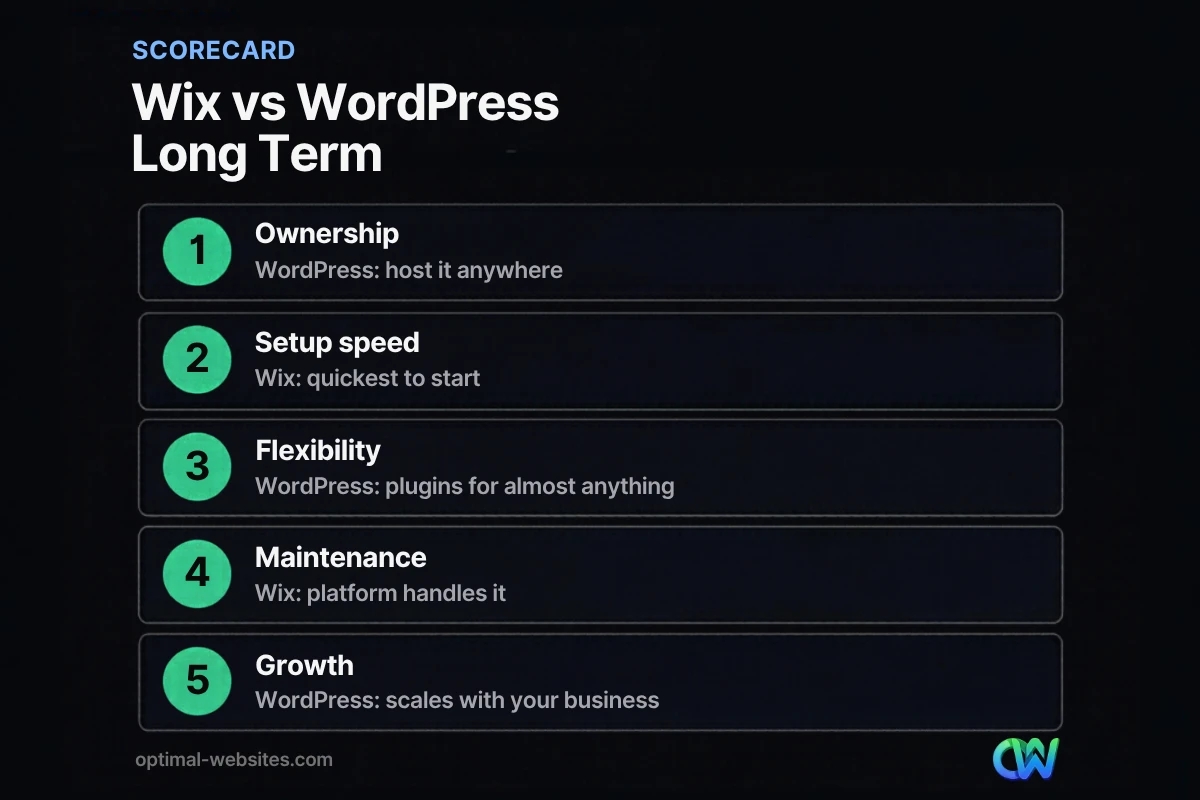
Wix vs WordPress: how do they compare?
Wix and WordPress compare very differently depending on whether you value convenience or control. The table summarizes the main trade-offs for a small business.
| Factor | Wix | WordPress |
|---|---|---|
| Setup | Quick, drag-and-drop, hosting included | Needs hosting, installation and a theme or builder |
| Ownership | Site must run on Wix’s servers | Own your files; move to any host |
| Design flexibility | Templates and drag-and-drop editor | Unlimited with themes and builders like Elementor Pro |
| Features | Built-in apps and Wix App Market | Thousands of plugins plus custom development |
| SEO control | Good basics, fewer advanced options | Full control over structure, schema, speed and content |
| Maintenance | Handled by Wix | You or your developer handle updates and backups |
| Cost structure | Ongoing subscription to Wix | Hosting, domain, premium tools and development |
| Best for | Simple sites and owners who want to DIY | Growing businesses that see the site as a long-term asset |
Who owns your website on Wix vs WordPress?
On WordPress, you own your website files and can take them to any host. On Wix, your content belongs to you, but the site itself must run on Wix’s platform.
Wix’s own help center states that your site must run on Wix’s servers and explains that its architecture does not support external hosting. You can connect a domain you manage elsewhere, but you cannot pick up the site and host it with another company.
Why that matters long term:
- Pricing changes. If subscription prices or plan features change, you adapt or rebuild.
- Feature limits. If Wix does not support something you need, your options are limited to what the platform allows.
- Leaving is a rebuild. Moving away from Wix means recreating the design and pages on a new platform.
With WordPress, switching hosts or developers is a migration, not a rebuild. That is the core of WordPress ownership.
Is Wix or WordPress easier to use?
Wix is easier to use at the start because hosting, security and the editor come ready to go. WordPress has a steeper setup, but with a visual page builder it can be just as easy to edit day to day.
The difference shows up over time:
- Wix is simple for a few pages, but large sites with many service or location pages can become harder to manage consistently.
- WordPress separates content from design, so you can update a template once and every page using it changes. With Elementor Pro, owners edit text and images visually without touching code.
At Optimal Websites, every client receives video tutorials for the edits they make most, so the learning curve stays small.
Which is better for SEO, Wix or WordPress?
Both Wix and WordPress can rank well in Google, but WordPress offers more control over the technical and structural details that matter as a site grows. For a small, simple site, the difference is modest. For a site with many pages, a blog and local landing pages, it becomes meaningful.
WordPress advantages for SEO:
- Full control over URLs, page structure, internal linking and categories.
- SEO plugins for titles, descriptions, sitemaps, schema and redirects.
- Freedom to optimize hosting, caching and images for speed and Core Web Vitals.
- A mature blogging system for building topic depth.
Wix has improved its built-in SEO tools and covers the basics well. The limitation is less about rankings today and more about flexibility tomorrow.
How much does Wix cost compared to WordPress?
Wix costs an ongoing subscription that bundles hosting and the builder, while WordPress software is free and your costs come from hosting, a domain, premium tools and any professional help. Which is cheaper depends on how you build and maintain the site.
- Wix: predictable monthly or annual subscription, plus any paid apps. Lower setup effort, but you keep paying for the platform as long as the site exists.
- WordPress: hosting and domain fees, optional premium themes or plugins, and design or maintenance help. Higher initial effort, but you choose every component and can change providers.
For a professionally built site, the design and content work usually costs far more than the platform itself. Optimal Websites offers fixed-price WordPress packages starting at $999, $1,499 and $1,999. Hosting choice matters too; our guide to the best web hosting for small business explains what to look for.
When should you switch from Wix to WordPress?
Switch from Wix to WordPress when the platform starts limiting your business: you need features Wix cannot provide, your site is growing into many pages, SEO and speed have become priorities, or you want full ownership of your website.
Common signs it is time:
- You need integrations, booking, membership or e-commerce features that Wix handles poorly for your use case.
- You want dedicated pages for every service and town you serve.
- You plan to publish content regularly and want more control over structure.
- Page speed or technical SEO has become a bottleneck.
- You want the freedom to move hosts or developers without starting over.
Because a Wix site cannot be exported to another host, switching means rebuilding the design and moving content page by page, then setting up redirects so existing Google rankings carry over. Planning those redirects is the most important step in the move.
When is Wix the right choice?
Wix is the right choice when you need a simple website quickly, you want to build and maintain it yourself, and you do not expect it to grow much. It can work well for a new business testing an idea, an event or a small portfolio.
If you choose Wix, keep your domain registered in your own account so you keep control of your web address if you move later.
What we see when businesses compare Wix and WordPress
We build on WordPress with Elementor Pro because it gives our clients ownership, flexibility and visual editing in one package. When owners come to us from website builders, the usual reasons are wanting more pages and structure, better speed, more control over SEO, or simply owning what they paid for. For a broader look, read our guide to the benefits of WordPress for business, and if you are weighing templates, see custom website vs template.
How Optimal Websites Can Help
Optimal Websites, a WordPress web design agency based in Delaware, builds fast, mobile-first WordPress sites and helps businesses move from website builders with a plan for content, redirects and SEO. Our WordPress web design services include training so you can edit your new site as easily as you edited the old one.
Frequently Asked Questions
Is Wix or WordPress better for a small business?
For most growing small businesses, WordPress is better long term because you own the site, can host it anywhere and can extend it with plugins and custom features. Wix is better for owners who want a simple site quickly and prefer the platform to handle hosting and maintenance. The right answer depends on how much you expect the site to grow.
Can I move my Wix site to WordPress?
Yes, but it is a rebuild rather than a one-click move. Wix states that sites must run on its servers, so the design cannot be exported to another host. You recreate the design in WordPress, move content page by page and set up redirects from old URLs to new ones to protect your search rankings.
Is WordPress harder to use than Wix?
WordPress takes more setup than Wix, but day-to-day editing can be just as simple when the site is built with a visual page builder like Elementor Pro. The main extra responsibility is maintenance: updates, backups and security. Many businesses hand that to their developer so they only edit content.
Do I own my website on Wix?
Your content on Wix belongs to you, but the website must run on Wix’s servers and cannot be hosted elsewhere. You can connect a domain registered with another provider. On WordPress, you own the software and site files and can move the whole site to any host, which gives you more long-term control.
Which is better for SEO, Wix or WordPress?
Both can rank in Google. Wix covers SEO basics well, while WordPress offers more control over URLs, site structure, schema, redirects, speed and content organization. For a small brochure site the gap is modest; for a growing site with many service, location and blog pages, WordPress usually offers more room to improve.
Is a website builder cheaper than WordPress?
A website builder can be cheaper upfront if you build the site yourself, since hosting and tools come in one subscription. WordPress software is free, but you pay for hosting, a domain and any premium tools or professional help. Over several years, total cost depends more on design, content and maintenance than the platform fee.
Ready to Get Started?
Thinking about moving to WordPress or starting fresh? Request a free quote or call (302) 554-9497 and we will help you choose the right path.


