
Quick answer: The Elementor Pro features most worth paying for are the Theme Builder, the Form widget, the Popup Builder, dynamic content and custom code. Together they let you design every part of a WordPress site visually and capture leads without extra plugins. If you only build simple pages, the free version may be enough.
Elementor’s free plugin is genuinely useful, which is why so many WordPress sites run on it. The question most business owners and marketers ask is whether the paid version earns its yearly license. The honest answer depends on what your site needs to do. If it only needs a few static pages, maybe not. If it needs custom headers, lead forms, targeted offers or templates that update across the whole site, the Elementor Pro features save time and replace several separate plugins. This guide compares Elementor Pro vs free, explains the features we rely on for client sites, and shows which ones you can skip.
Key Takeaways
- Elementor free gives you the drag-and-drop editor, basic widgets and templates. Pro adds the tools that control the whole site, not just page content.
- The Theme Builder is the most valuable Pro feature: it lets you design headers, footers, blog templates and archive pages visually.
- The Form widget and Popup Builder turn a site into a lead generation tool without paying for separate form or popup plugins.
- Dynamic content and loops are worth it for sites with many similar pages, such as service areas, team members or portfolios.
- Pro is sold in tiers, so check which features your plan includes before you buy.
What is the difference between Elementor free and Elementor Pro?
Elementor free lets you design page content with a visual editor; Elementor Pro lets you design the entire site, including the parts that repeat on every page, and adds marketing tools like forms and popups.
According to Elementor’s WordPress.org listing, the free plugin includes the drag-and-drop editor, a set of more than 40 basic widgets such as headings, images, video and buttons, and a template library. Pro adds the Theme Builder, Popup Builder, Forms, a WooCommerce Builder, dynamic content, custom code, custom CSS, motion effects, custom fonts and icons, and many more widgets.
Elementor Pro vs free at a glance
| Capability | Elementor free | Elementor Pro |
|---|---|---|
| Drag-and-drop page editing | Yes | Yes |
| Basic widgets (heading, image, button, video) | Yes | Yes |
| Header, footer and template design (Theme Builder) | No | Yes |
| Lead forms with integrations | No | Yes |
| Popup Builder with triggers and targeting | No | Yes |
| Dynamic content and loop grids | No | Yes |
| WooCommerce product and checkout templates | No | Yes |
| Custom code and custom CSS per element | Limited | Yes |
| Motion effects and advanced widgets | Limited | Yes |
Which Elementor Pro features are worth paying for?
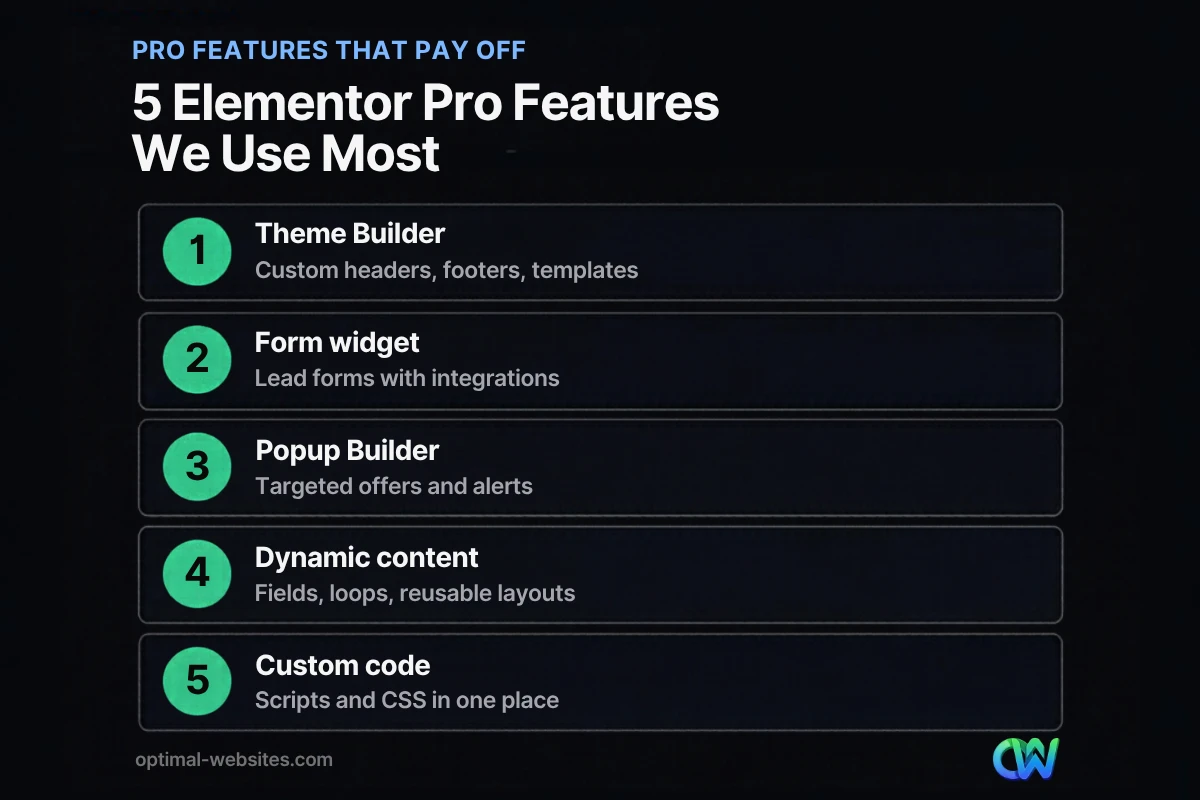
The Elementor Pro features worth paying for are the ones that replace other plugins or save hours of repeat work. For most business websites, five stand out.
1. Theme Builder
The Elementor Theme Builder lets you design the parts of your site that normally come from the theme: headers, footers, single post templates, archive pages, search results and 404 pages. You then set display conditions to decide where each template appears.
Why it matters: without it, you are stuck with whatever header and blog layout your theme provides, or you need code changes. With it, your brand and calls to action stay consistent on every page, and one edit updates the whole site.
2. Form widget (Elementor forms)
Elementor forms let you build contact, quote and booking request forms visually and connect them to email marketing tools, CRMs or webhooks. You can set what happens after a visitor submits: send an email, add them to a list, redirect to a thank-you page or show a message.
Why it matters: forms are where leads happen. Building them in the same editor as the page keeps the design consistent and avoids paying for a separate form plugin for most small business needs.
3. Popup Builder (Elementor popups)
The Popup Builder lets you create popups, slide-ins and bars that open on page load, scroll, click, inactivity, exit intent or when a visitor reaches a certain element. You can target them by page, post type or category, and set rules based on visit count, device, referral source or schedule.
Why it matters: a well-timed offer, such as a free estimate or a seasonal promotion, can capture visitors who would otherwise leave. Used sparingly, Elementor popups are a lead tool. Used aggressively, they annoy visitors, so we keep them targeted and easy to close.
4. Dynamic content and loops
Dynamic content lets a template pull information from fields, such as a project’s location, a team member’s title or a service area’s town name. Loop grids display collections of posts or custom content in a designed layout.
Why it matters: if your site has many similar pages, such as service areas, portfolio projects or team bios, you design the layout once and fill in the data. That keeps pages consistent and makes updates fast.
5. Custom code and custom CSS
Pro lets you add tracking scripts, chat widgets and custom CSS from inside Elementor, and target CSS to a single element. That means fewer small plugins for header scripts and fewer theme file edits.
Which Elementor Pro features can most businesses skip?
Many businesses never need every Pro tool. Skip what does not serve a clear goal, because extra effects and widgets can slow a site down.
- Heavy motion effects. Parallax, mouse tracking and scrolling animations look impressive but can hurt performance and accessibility. Use them sparingly.
- Every advanced widget. Flip boxes, countdowns and carousels have their place, but most service businesses need clear text, photos, reviews and forms more.
- The WooCommerce Builder if you do not sell online. If you do, it is one of the best reasons to buy Pro.
A fast site matters more than a fancy one. Visitors and Google both care about loading speed, responsiveness and layout stability, measured by Core Web Vitals. Every effect you add should earn its place.
Is Elementor Pro worth it for a small business website?
Elementor Pro is worth it when your site needs custom headers and templates, lead forms, popups or many similar pages. It is often not worth it for a simple brochure site that rarely changes.
Use this quick check:
| If your site needs… | Pro worth it? |
|---|---|
| A unique header, footer and blog layout | Yes |
| Quote or contact forms connected to email or a CRM | Yes |
| Targeted popups or announcement bars | Yes |
| Service area, portfolio or team pages built from one template | Yes |
| An online store with custom product pages | Yes |
| Three to five static pages that rarely change | Probably not |
Elementor sells Pro in several plan tiers, and the cheapest tier does not always include every feature, so confirm the plan covers the tools you actually need before buying.
How do we use Elementor Pro features on client sites?
At Optimal Websites, a WordPress web design agency based in Delaware, every site we build uses WordPress and Elementor Pro. For a roofing company, a law firm or a construction business, the pattern is similar: a Theme Builder header with a click-to-call button, a footer with service areas and contact details, Elementor forms for estimate requests, and service page templates that keep every page consistent.
Clients also get video tutorials so they can edit text, images and blog posts themselves after launch. That is a big reason we standardize on Elementor: it is visual enough for non-developers to make everyday updates safely.
Elementor also introduced an alpha of its next-generation Editor V4 in spring 2025, with a new atomic, performance-focused approach to building. It is still early, so we recommend production sites stay on the current editor while V4 matures.
If you are comparing builders, our guide to Elementor vs Divi covers the differences, and our article on Elementor AI explains how its AI tools fit into the workflow. For why WordPress itself is a strong foundation, read the benefits of WordPress for business.
How Optimal Websites Can Help
If you want the benefits of Elementor Pro features without setting everything up yourself, our WordPress web design service builds your site on WordPress and Elementor Pro, with fast, mobile-first templates, lead forms and training videos included. Packages start at $999, and most projects launch in 2–4 weeks. See our packages to compare what each one includes.
Frequently Asked Questions
What are the main Elementor Pro features?
The main Elementor Pro features are the Theme Builder, Form widget, Popup Builder, WooCommerce Builder, dynamic content and loop grids, custom code and custom CSS, motion effects, custom fonts and icons, and dozens of extra widgets. Together they let you design an entire WordPress site visually instead of only individual pages.
Is Elementor free good enough for a business website?
Elementor free can be enough for a simple site with a few static pages and a basic contact option from another plugin. Most business websites benefit from Pro, because it adds custom headers and footers, lead forms and templates. If your site needs to generate leads and stay consistent as it grows, Pro usually pays for itself.
What is the Elementor Theme Builder?
The Elementor Theme Builder is a Pro feature that lets you design site-wide templates visually, including headers, footers, single post layouts, archive pages and 404 pages. Display conditions control where each template appears. It replaces the fixed layouts of your theme, so your brand and calls to action stay consistent everywhere.
Can I build lead forms with Elementor Pro?
Yes. Elementor forms let you build contact, quote and booking forms in the visual editor, choose fields, add validation, and set actions after submission such as sending an email, redirecting to a thank-you page or connecting to an email marketing tool, CRM or webhook. Many small businesses use them instead of a separate form plugin.
Do Elementor popups slow down a website?
Elementor popups add some code to the pages where they load, but a few well-targeted popups have a small impact compared with large images or heavy animations. Keep popups limited to the pages where they matter, avoid stacking several at once and test your pages with PageSpeed Insights after adding them.
Can I switch from Elementor free to Elementor Pro later?
Yes. Elementor Pro installs alongside the free plugin, so your existing pages keep working and you gain the Pro features as soon as the license is active. You can then rebuild your header, footer and templates with the Theme Builder and replace other plugins step by step.
Ready to Get Started?
Want a WordPress site built with the Elementor Pro features that matter for your business? Request a free quote or call (302) 554-9497.


