
Quick answer: Managed WordPress hosting is hosting built and tuned only for WordPress, where the provider handles server setup, caching, backups, security monitoring and core updates. It costs more than basic shared hosting, but for most businesses that rely on their website for leads or sales, the speed, reliability and time saved make it worth it.
Your website is slow some days, the hosting dashboard is a maze, and when something breaks, support tells you it is “a WordPress problem.” Meanwhile, a hosting salesperson is pitching a managed plan that costs several times what you pay now. Is it a real upgrade or an expensive label? The answer depends on how much your business relies on the website and how much time you want to spend running it. This guide explains what managed WordPress hosting includes, how it compares with shared hosting, the real tradeoffs, and a simple way to decide.
Key Takeaways
- Managed WordPress hosting is tuned for WordPress and includes caching, backups, security monitoring, updates and expert support.
- Shared hosting is cheaper but shares server resources with many other sites, which can hurt speed and reliability.
- Managed hosting usually makes sense once your site brings in leads or sales, or when nobody on your team wants to handle server tasks.
- Managed hosting does not fix a bloated site; heavy plugins and unoptimized images still need attention.
- Compare plans on backups, staging, support quality and limits, not just the monthly price.
What is managed WordPress hosting?
Managed WordPress hosting is a hosting service where the provider configures and maintains the server environment specifically for WordPress and handles much of the technical upkeep for you. You focus on content and the business; the host focuses on keeping WordPress fast, secure and available.
Typical features include:
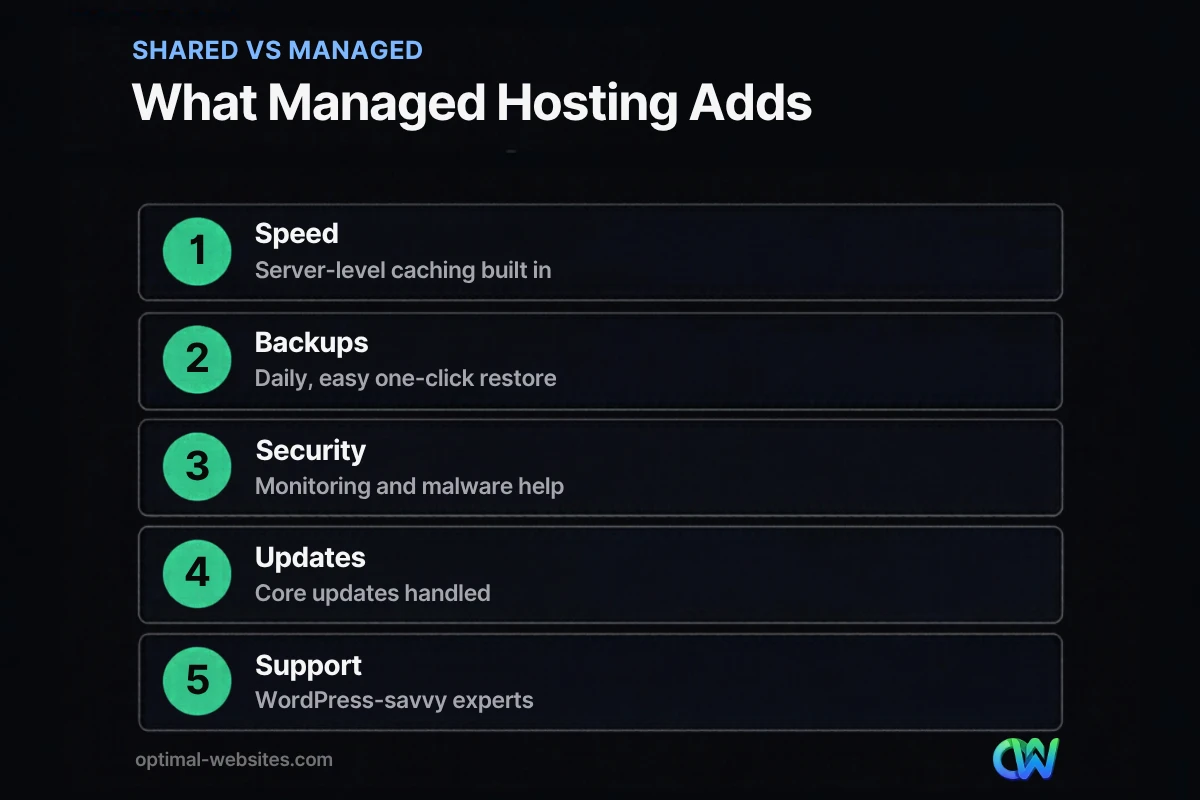
- Server-level caching tuned for WordPress, so pages load faster without extra plugins.
- Automatic daily backups with simple restore options.
- Security monitoring, firewall rules and help with malware cleanup.
- Automatic WordPress core updates, and sometimes plugin updates with safety checks.
- Staging sites to test changes before they go live.
- Support staff who know WordPress, not just general server issues.
- Free SSL certificates and often a built-in CDN.
For a general overview of all hosting types, see our guide to the best web hosting for small business.
What is the difference between shared and managed hosting?
Shared hosting puts many websites on one server and leaves most of the WordPress setup to you. Managed hosting gives WordPress an optimized environment and takes over routine technical tasks.
| Feature | Shared hosting | Managed WordPress hosting |
|---|---|---|
| Price | Lowest monthly cost | Higher monthly cost |
| Server resources | Shared with many sites | Isolated or better allocated |
| Caching | Usually a plugin you configure | Built in at the server level |
| Backups | Often basic or extra cost | Daily, with easy restores |
| Security | Basic; you add plugins | Monitoring, firewall, malware help |
| Core updates | You handle them | Handled by the host |
| Staging site | Rarely included | Usually included |
| Support | General hosting support | WordPress-specific support |
| Best for | Hobby sites, very small brochure sites | Business sites that generate leads or sales |
What are the benefits of managed WordPress hosting?
The main managed hosting benefits are faster pages, fewer outages, safer updates and less time spent on technical chores. Each one protects revenue in a different way.
Better hosting performance
Server-level caching and better resource allocation usually improve server response time. web.dev’s guide to Time to First Byte describes a good TTFB as 0.8 seconds or less, and notes that backend latency is part of what TTFB measures. A slow server delays everything else on the page, so hosting is often the first place to look when a WordPress site feels sluggish.
Reliable backups and recovery
When an update breaks the site or a page is deleted by mistake, a one-click restore turns a crisis into a five-minute fix. On cheap plans, backups are sometimes weekly, limited or an extra fee.
Security help
Managed hosts typically block common attacks at the server level, scan for malware and help clean up if something gets through. That does not replace good passwords and updated plugins, but it adds a strong layer.
Time saved
Updates, caching setup, SSL renewals and server tuning are handled for you. For a small business owner, that time goes back into the business.
Support that understands WordPress
When something goes wrong, WordPress-savvy support can diagnose plugin conflicts, PHP errors and performance issues instead of pointing you elsewhere.
What are the downsides of managed hosting?
Managed hosting costs more, and some plans limit what you can install or how much traffic and storage you can use. It also does not fix problems inside your site.
- Higher price: you pay for the management, not just server space.
- Plugin restrictions: some hosts block certain caching or backup plugins because they duplicate built-in features.
- Visit and storage limits: some plans cap monthly visits or storage, with overage fees.
- Less server control: developers who want custom server configurations may find managed plans restrictive.
- Not a cure for a bloated site: heavy themes, too many plugins and huge images still slow pages down. Our post on why a WordPress site is slow covers those on-site issues.
Is managed WordPress hosting worth it for a small business?
It is usually worth it when your website brings in leads or sales and nobody on your team wants to manage servers. It is often not worth it for a hobby site or a simple page that rarely changes.
Use this quick decision guide:
- Does the website generate leads, bookings or sales? If yes, downtime and slow pages cost money. Lean toward managed.
- Do you run an online store or membership site? Dynamic sites benefit most from better hosting. Managed is usually the right call.
- Does anyone on your team handle updates and backups today? If not, managed hosting fills that gap.
- Have you had a hack, outage or broken update in the past year? Managed hosting reduces the odds and speeds recovery.
- Is the site a simple brochure with little traffic and no ecommerce? Quality shared hosting plus a maintenance plan may be enough.
Hosting is only one part of keeping a site healthy. Plugin updates, uptime checks and content changes still need an owner, which is where WordPress website maintenance comes in.
What should you look for in a managed WordPress host?
Look for daily backups, staging, strong support, sensible limits and a current, supported server environment. WordPress.org’s hosting requirements list a supported PHP version, a supported MySQL or MariaDB database and HTTPS support as the baseline.
Questions to ask before you switch:
- How often are backups taken, how long are they kept, and how do I restore one?
- Is a staging site included?
- What happens if my site is hacked? Is cleanup included?
- Are there limits on monthly visits, storage or bandwidth, and what are the overage fees?
- Which plugins are not allowed?
- Is a CDN included, and where are the data centers?
- How do I reach support, and how fast do they respond?
- Will you migrate my site for free?
How do you move to managed WordPress hosting?
Most managed hosts offer free or assisted migration. Plan the move during a quiet period, test everything on the new server, and then switch DNS.
- Take a full backup of your current site.
- Have the new host migrate the site, or use their migration tool.
- Test pages, forms, checkout and logins on the new server before going live.
- Update DNS to point to the new host.
- Confirm SSL, email delivery and forms after the switch.
- Keep the old hosting active for a short overlap in case you need to roll back.
How we approach WordPress hosting
When we build WordPress websites with Elementor Pro for contractors, law firms and local service businesses, we recommend hosting based on how the site will be used. A site that brings in quote requests or online orders gets hosting with daily backups, server caching, staging and responsive support. A small informational site can run well on a quality plan with fewer extras.
We also set up caching, image optimization and lean plugin choices on every build, because hosting performance and site performance work together. Clients get training videos so they can update content safely, with backups and staging as a safety net.
How Optimal Websites Can Help
Optimal Websites, a WordPress web design agency based in Delaware, offers hosting and support alongside our web design and hosting setup services. We can recommend the right level of hosting, migrate your site, and make sure speed, backups and security are configured properly.
You can compare our website packages and pricing, or ask us to review your current hosting and tell you honestly whether an upgrade is worth it.
Frequently Asked Questions
What is managed WordPress hosting?
Managed WordPress hosting is a hosting service built specifically for WordPress, where the provider handles server setup, caching, backups, security monitoring and core updates. It usually includes staging sites and support staff who understand WordPress. It costs more than shared hosting but saves time and typically improves speed and reliability.
Is managed WordPress hosting worth it for small businesses?
Managed WordPress hosting is usually worth it when your website generates leads, bookings or sales and nobody on your team wants to handle technical upkeep. The speed, backups and security protect revenue. For a simple brochure site with little traffic, quality shared hosting plus a maintenance plan may be enough.
What is the difference between shared and managed hosting?
Shared hosting places many websites on the same server and leaves most WordPress setup, caching, backups and updates to you. Managed hosting gives WordPress a tuned environment and handles those tasks for you, with WordPress-specific support. Shared hosting is cheaper; managed hosting is faster, safer and less work.
Does managed hosting make WordPress faster?
Managed hosting usually improves server response time through server-level caching, better resources and often a built-in CDN. It does not fix on-site problems such as heavy themes, too many plugins or oversized images. For the best hosting performance, combine good hosting with a lean, well-optimized website.
Can I use any plugin on managed WordPress hosting?
Most plugins work on managed WordPress hosting, but some hosts block certain caching, backup or security plugins because they duplicate built-in features or strain the server. Check the host’s list of disallowed plugins before you switch, especially if your site depends on a specific tool for backups, performance or ecommerce.
Is managed hosting the same as website maintenance?
No. Managed hosting covers the server environment, caching, backups and often core updates. Website maintenance also covers plugin and theme updates, testing after updates, uptime monitoring, content changes and fixing issues inside the site. Many businesses use managed hosting together with a maintenance plan for complete coverage.
Ready to Get Started?
Not sure whether your hosting is holding your website back? Request a free quote or call (302) 554-9497, and we will review your hosting and site performance with you.


